

Players rating
BC Game UAE App: Android, iPhone and Mobile Play
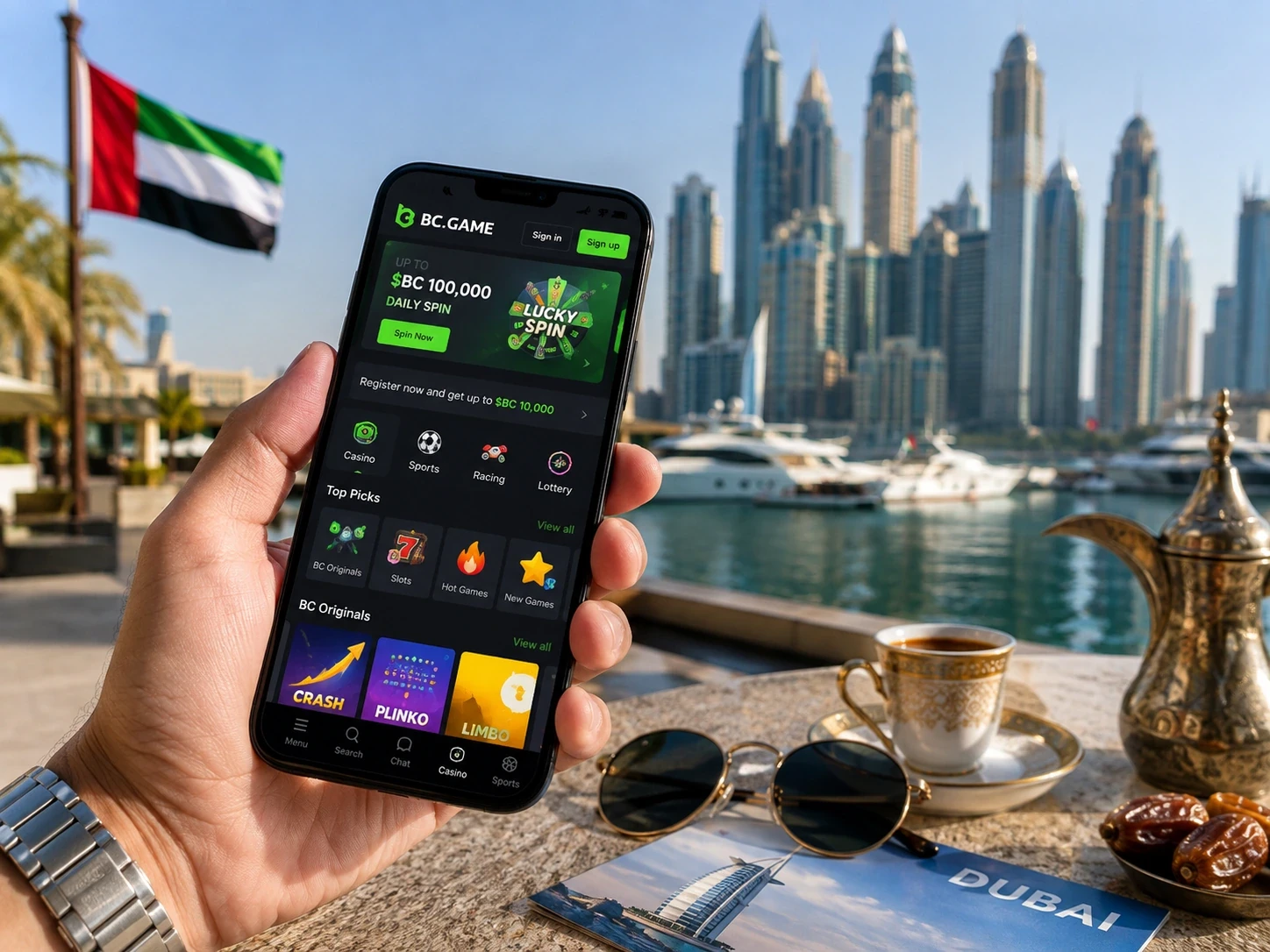
Open on mobileBC Game works on mobile with the same balance, bonuses, sports tickets and security settings you use on desktop. You do not register again when you move from a computer to a phone, and there is no separate mobile Wallet. Sign in with the email, phone, Google or Telegram method already connected to your profile.
You can use the full casino and Sportsbook directly in a mobile browser before installing anything. Slots, Live Casino, BC Originals, Wallet, Transaction, Rollover, My Bets and promotions all remain available from the responsive layout.
Android: browser, shortcut or install
If you are unsure which route suits you, start with the browser. You can always add a shortcut or install later. That keeps the first login simple and lets you confirm that your balance, favourites and recent activity look correct before changing anything on the device.
Browser play is often the simplest option because there is nothing to install or update. You still get the casino, Sportsbook, Wallet and promotions through the responsive site. A home-screen shortcut sits in between: it gives you one-tap access but still opens the browser-based experience.
If you do install an Android package, keep the source as the main security check. The BC Game name and logo can be copied by a modified file. Use the route shown by BC.GAME, review permissions after installation and remove temporary installation permission if your phone no longer needs it.
On Android, Chrome is enough to open BC Game and play. If you want faster access, you can add the site to the Home Screen. If the current BC.GAME page displays an Android download, use the file provided through that verified route rather than downloading an APK from a private message, file-sharing site or unrelated app directory.
How to install BC Game on Android
- Open BC.GAME in Chrome through the current official route.
- Use the Android download or Install App option shown by BC Game.
- If an APK is offered, open the downloaded file from Chrome or Downloads.
- Approve installation only for that file.
- Launch BC Game and sign in with the same details you use on desktop.
- Remove any temporary unknown-app permission if Android no longer needs it.
If you prefer not to install a package, use Add to Home Screen or Install app from the Chrome menu when the option appears. The shortcut opens the mobile site and keeps your login, Wallet and betting functions inside the browser environment.
iPhone and iPad
The Home Screen icon is useful if you return often because it removes the need to search for the site each time. It does not store a second copy of your funds. If you sign out in Safari, the shortcut will also require the normal login again.
On iOS, open BC.GAME in Safari, tap Share and choose Add to Home Screen. The icon opens the mobile web version with your existing BC Game profile. If the shortcut later points to an outdated route, delete it and create a new one from the verified page.
What stays synchronized on mobile
| Area | What stays with you |
| Login | Email/phone or connected Google/Telegram access |
| Wallet | Same balances, deposits, withdrawals and Transaction records |
| Casino | Slots, Live Casino, table games and BC Originals |
| Sportsbook | Pre-match and live markets, bet slip and My Bets |
| Bonuses | Bonus balance, campaign status and Rollover |
| Security | Verification, password controls and Google Authenticator 2FA |
If you created your profile through Google or Telegram, use the matching button on mobile. Starting another registration can leave you with a second profile that does not contain your existing Wallet or bonus status. With 2FA enabled, enter the current six-digit code after your normal sign-in.
Crypto deposits from your phone
Copying is safer than typing on a small keyboard. Use the copy button for the address and any Memo or Tag, then compare the first and last characters before you send. If you switch apps during the process, come back to the same BC Game deposit screen before confirming so you do not mix instructions from two assets or networks.
Transaction history is also important after the transfer. A mobile notification or external-wallet status only tells you what happened on that side. BC Game Transaction tells you whether the deposit has reached and been credited to your profile.
Open Wallet > Deposit, choose the coin and blockchain network, then copy the address. Complete the transfer in your external wallet and check Wallet > Transaction for the result. Network matching matters just as much on mobile as it does on desktop.
If BC Game shows a Memo, Tag or Destination ID for XRP, XLM or EOS, copy that value as well. If a deposit is delayed, save the TxID/hash, asset, network, amount and address before contacting Support.
Casino and sports betting on a smaller screen
The mobile casino keeps the same categories as desktop. Search for a title or provider, open Slots or Live Casino, or play BC Originals such as Plinko, Mines, Dice and Crash. If you are using a bonus, check Rollover so you know what contribution is actually being counted.
For sports betting, choose the sport, competition and event, tap the odds and review the bet slip. Live markets can move quickly, so check the selection, displayed odds and stake immediately before Place Bet. Open My Bets to see pending and settled tickets.
Mobile troubleshooting
If only one function is failing, check the related section before changing the whole browser setup. For example, a missing sports ticket belongs in My Bets, while a crypto credit belongs in Transaction. This keeps troubleshooting focused and avoids unnecessary reinstallations.
- Site does not load: verify the current BC.GAME route before changing browser settings.
- Shortcut is outdated: delete it and create a new shortcut from the verified page.
- APK will not update: use the update route shown by BC Game, not a third-party download portal.
- 2FA fails: synchronize the phone date/time and enter a newly generated code.
- Deposit is missing: check Transaction and save the TxID/hash, network, amount and destination address.
- Sports ticket question: open My Bets and save the ticket identifier before starting Live Support.
BC Game UAE app FAQ
Do I need a second mobile profile?
No. Your existing BC Game login opens the same Wallet and betting history.
Can I play without installing an APK?
Yes. The full mobile site works in a supported browser.
How do I add BC Game to an iPhone?
Open it in Safari and use Share > Add to Home Screen.
Where do I check a mobile crypto deposit?
Open Wallet > Transaction.